Recommended
Windows 10 / 11
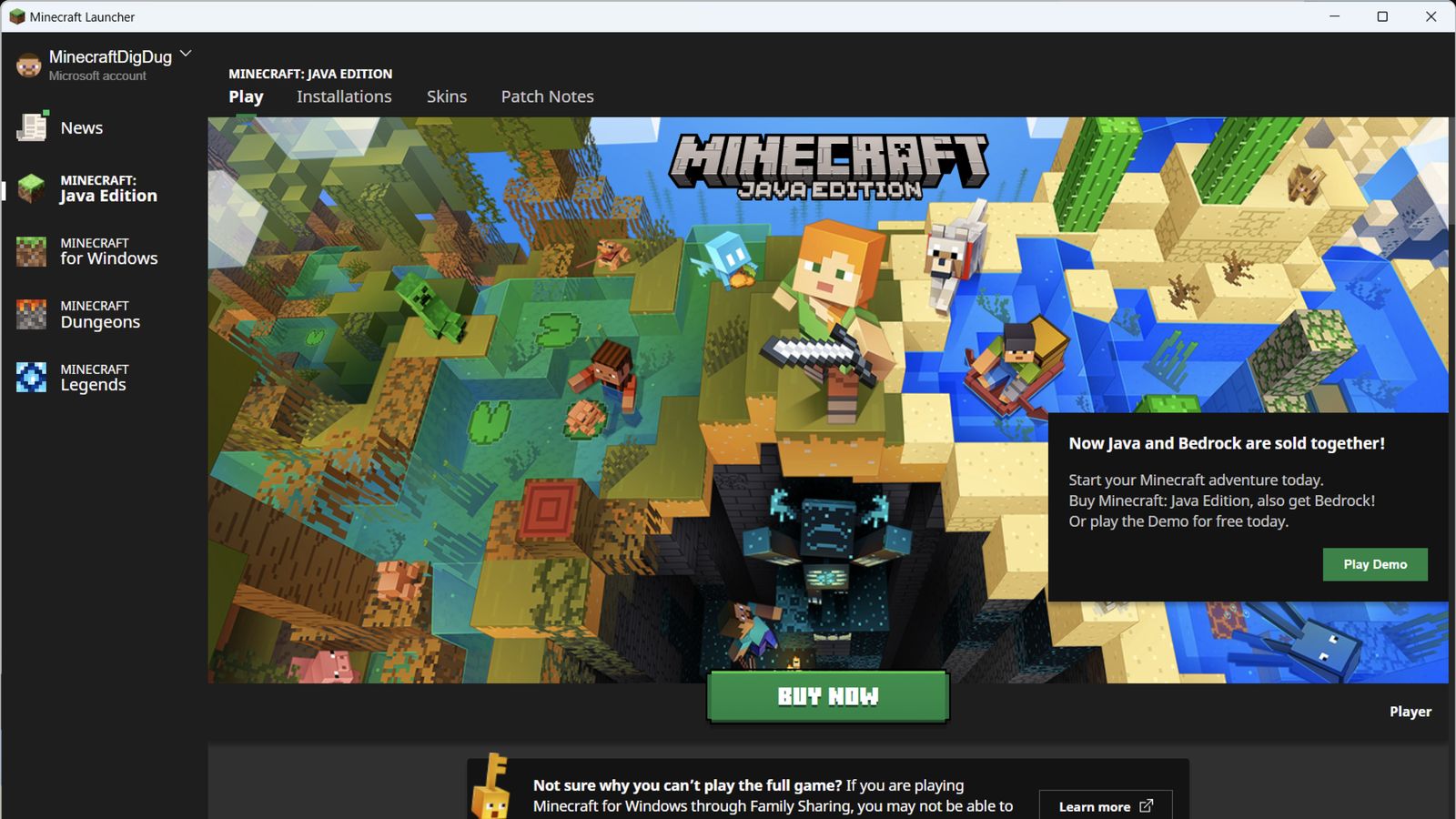
Get the unified launcher for Java Edition, Bedrock Edition, Dungeons, and Legends. Updates are handled automatically by the Microsoft Store.
Get the launcher from a verified official source for Windows, macOS, or Linux. Then follow the platform-specific installation steps and practical fixes for common problems.
Choose your operating system. These buttons open the Microsoft Store or download the installer directly from Mojang's official file server.
Get the unified launcher for Java Edition, Bedrock Edition, Dungeons, and Legends. Updates are handled automatically by the Microsoft Store.
Download the official disk image, open it, then drag Minecraft into your Applications folder.
Use the Debian package for Ubuntu-based systems or the portable archive for other distributions.
launcher.mojang.com. No installer is hosted or modified by this website.
The Minecraft Launcher is the official game downloader and launcher developed by Mojang Studios / Microsoft. It is the central hub for accessing all of Mojang's PC games from a single application; per the Minecraft Wiki, it is "the main game downloader and launcher for Minecraft: Java Edition and one of the game downloaders and launchers for Bedrock Edition, Minecraft Dungeons, and Minecraft Legends."
The official download documentation describes it as "your hub for accessing all of your favorite Minecraft games on PC." From one place, players can install game versions, access multiplayer servers, manage profiles, and configure supported features.
Editions it launches:
A Microsoft account is mandatory to play any edition since March 10, 2022, when Mojang account support ended. The launcher does not store your password locally; it uses a refresh token.
Eight features that define the modern Minecraft Launcher experience; from one-click world launches to running multiple Minecraft versions side by side.
One app, one sign-in, one navigation panel for Java, Bedrock, Dungeons, and Legends. Announced at Minecraft Live 2021, shipped November 2, 2021; ending the era of separate Java and Dungeons launchers.
One Microsoft account unlocks every edition you own. The launcher uses a refresh token, never stores your password locally, and shows your Xbox gamertag in the top-left corner.
Added in Minecraft 1.20 (Java) and 1.20.60 (Bedrock). Recently played worlds appear in a bar across the top of the launcher; one click drops you in, skipping every menu. Enabled by default; toggle it in Settings.
Create unlimited installations, each with its own version, game directory, Java runtime, JVM arguments, and window size. Go back to early Alpha, Classic, even Infdev; though very old versions have known issues.
View, apply, edit, duplicate, and upload custom skins. Default skins now include Steve, Alex, Noor, Sunny, Ari, Zuri, Makena, Kai, and Efe. Choose classic (wide) or slim model.
The launcher doesn't install mods for you, but its Installations system is what mod loaders plug into. Run a loader's installer, launch the new profile once to generate the mods folder, drop in .jar files, and play.
Each edition has a Realms tab to buy, join, and manage private servers. Realms worlds are stored on Mojang's servers and accessible from any signed-in device; your world travels with you.
Java Edition snapshots (weekly test builds) and Bedrock Preview are both available through the launcher. Enable in Settings or via the "Snapshots" checkbox in the Installations tab, then create a new installation.
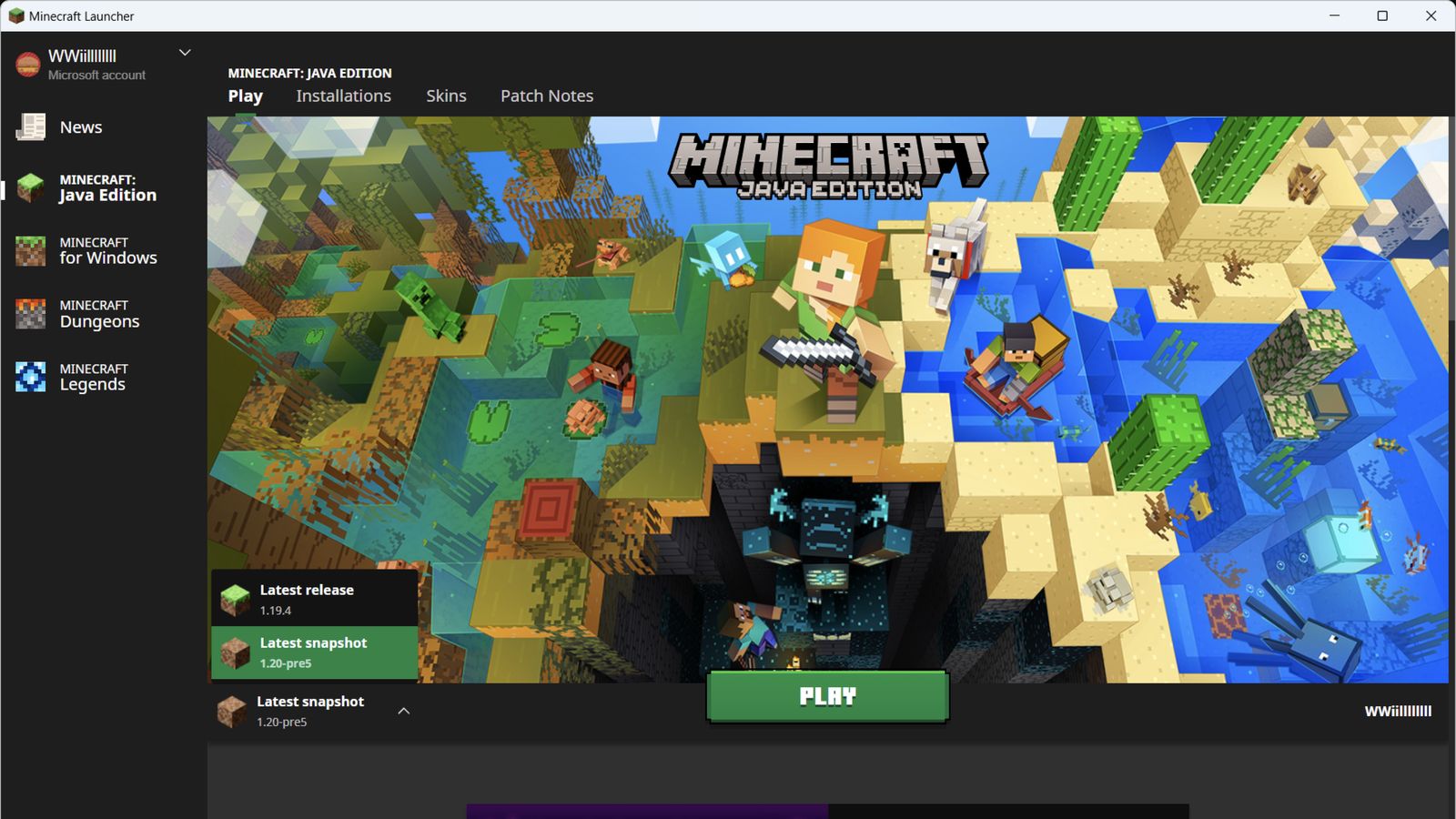
Quick Play shortens the route back to a recent world. Available worlds appear in the launcher so you can return without navigating through several in-game menus.
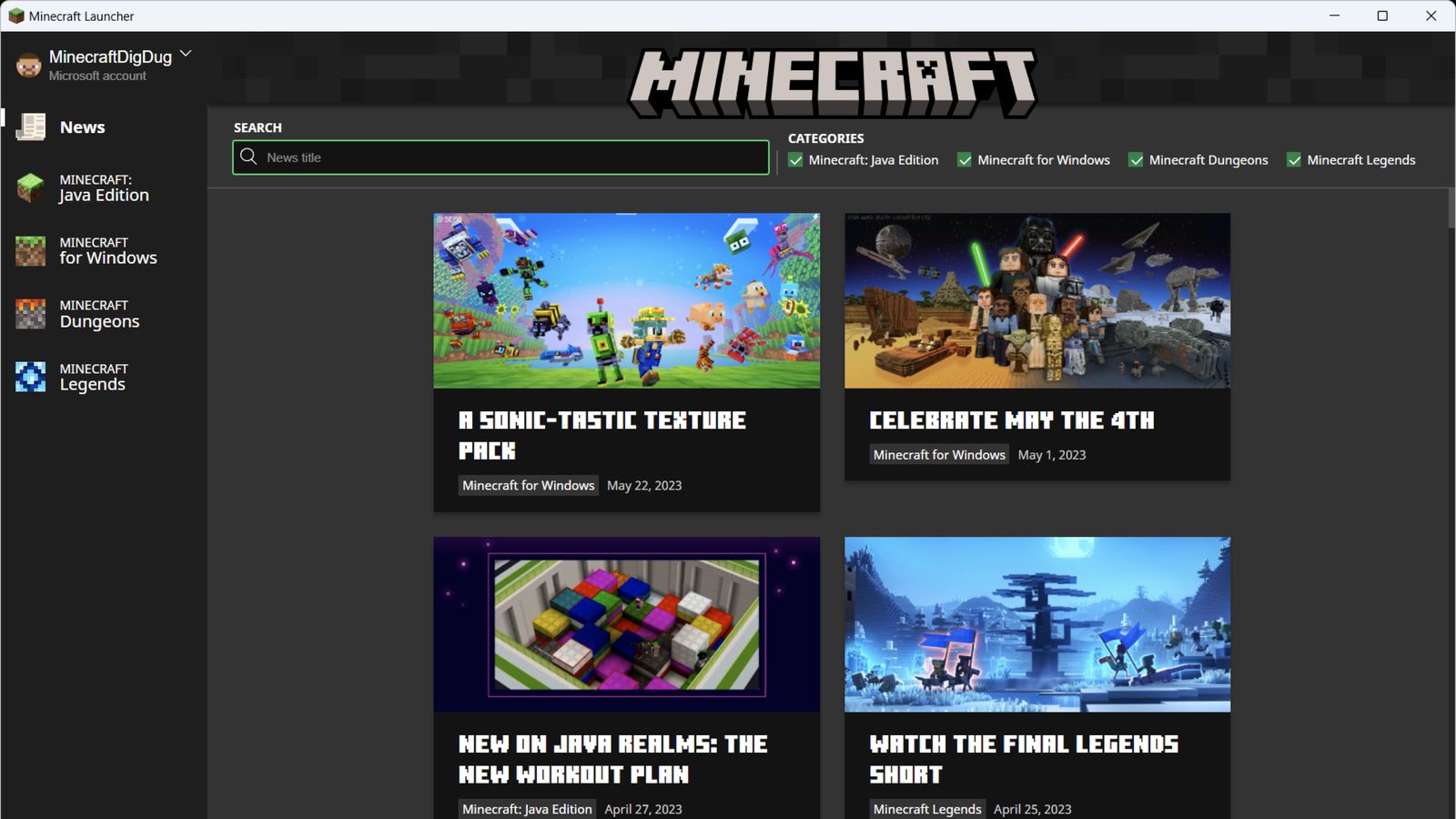
Explore real launcher screens for Java Edition, Bedrock Edition, Minecraft Legends, Minecraft Dungeons, news, and Marketplace.
The launcher ships four Minecraft games (plus Preview). Here is what each one is, where it runs, and who it's for.
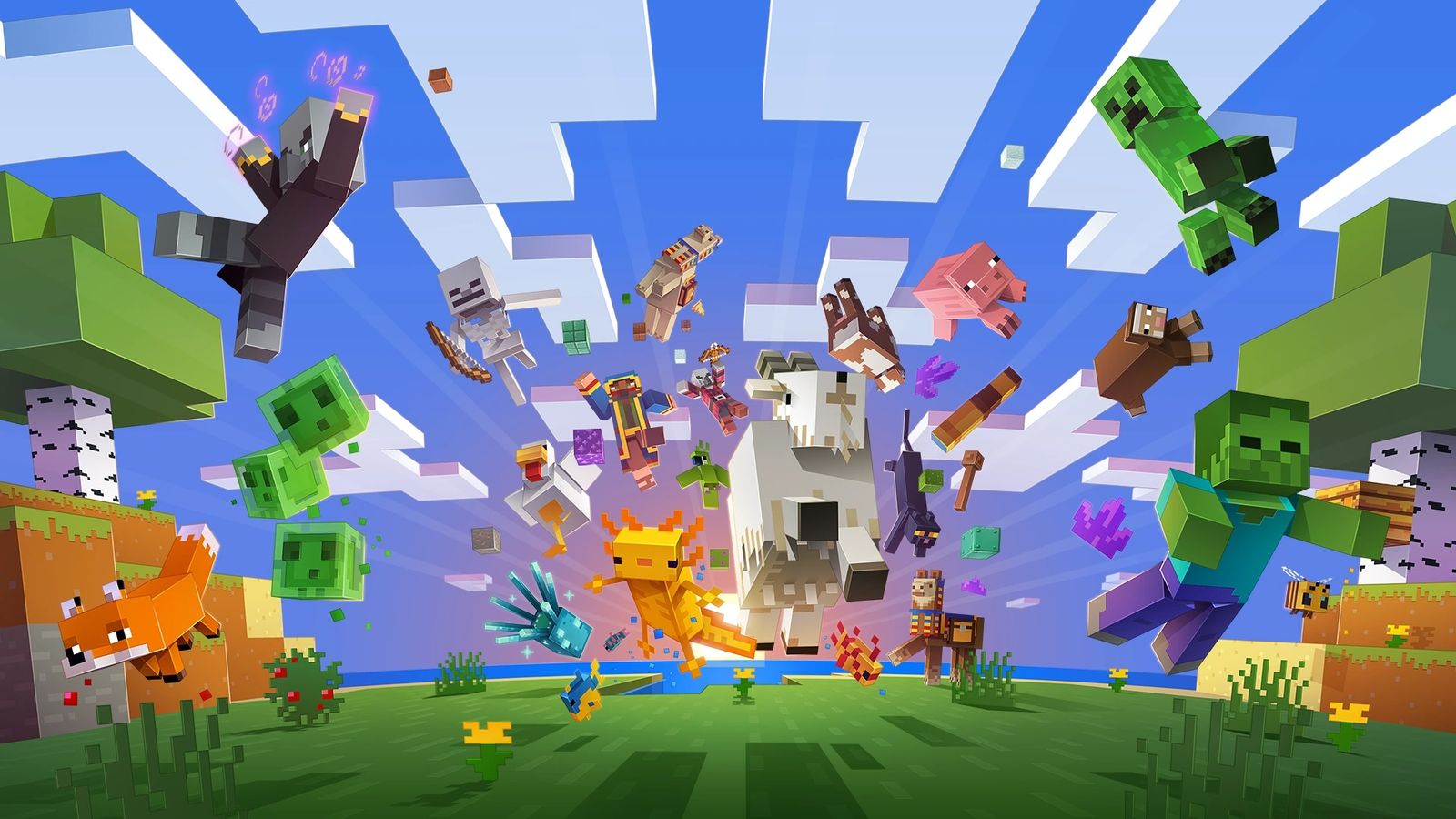
 Java Edition
Windows, macOS, and Linux. The classic block-building sandbox with an extensive modding ecosystem, custom servers, snapshots, and separate installations.
 Bedrock Edition
Windows 10/11 only on PC. True cross-play across Windows, Xbox, PlayStation, Switch, iOS, and Android. Marketplace, Realms Plus, faster engine, Minecraft Preview beta channel.
 Dungeons
Windows 7+. A standalone dungeon-crawler in the Minecraft universe; no mining, no building. Co-op for up to four players, DLC expansions, and the Hero Pass cosmetic set.
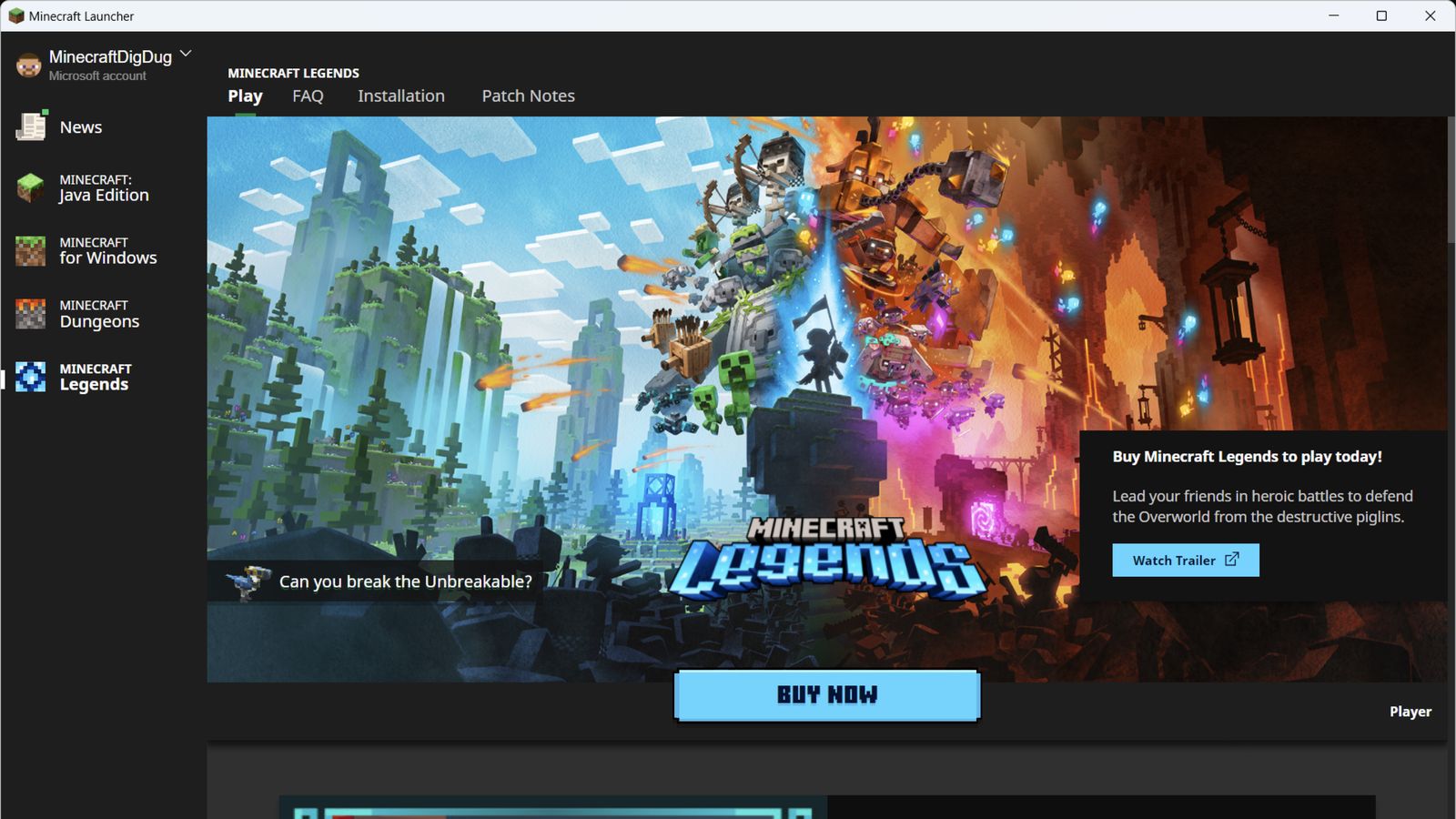 Legends
Windows 10+. A real-time-strategy game set in the Minecraft universe. Command mobs, defend villages, and play PvP. Single-player campaign plus online multiplayer.
The launcher can install several Minecraft games, but each edition has different platform support. Check this before downloading or buying a game.
Java Edition, Bedrock Edition, Dungeons, and Legends are available through the Windows launcher. The Microsoft Store listing requires Windows 10 version 19041.0 or newer and does not support Windows S mode.
The macOS launcher installs Java Edition. Bedrock Edition is not available on macOS. Current Apple Silicon Macs may run the launcher through Rosetta, depending on the available build.
Use the Debian package or portable archive for 64-bit Linux. Package dependencies vary by distribution, so review your package manager output before applying workarounds.
The launcher itself is free. You need a Microsoft account to install or play any edition, including the demo. Pick your OS below.
Windows 11 S mode: the launcher will not run in S mode. Switch out of S mode first: Settings → System → Activation → Switch to Windows 11 Pro → Go to the Store. This is one-way.
macOS Sequoia 15+ "error 9": if the launcher fails to update with "Operation not permitted", go to System Settings → Privacy & Security → Full Disk Access → click + → press Cmd+Shift+G → enter /Applications/Minecraft.app → confirm. Quit and reopen Minecraft. This workaround is reported in MCL-26578.
sudo dpkg -i minecraft-launcher.deb, yay -S minecraft-launcher, or flatpak install flathub com.mojang.Minecraft.flatpak run com.mojang.Minecraft).Linux sign-in crash: if the Microsoft sign-in window crashes or stays blank, you're hitting the known CEF/KWallet issue (mojira MCL-24681). Install kwallet and kwalletmanager (KDE) or ensure a keyring is running (GNOME). The Flatpak build is more self-contained and often avoids this.
The official launcher doesn't install mods for you, but its Installations system is what every mod loader plugs into. The workflow is the same for Forge, Fabric, NeoForge, and Quilt; only the installer source changes.
Mod folder locations:
%APPDATA%\.minecraft\mods~/Library/Application Support/minecraft/mods~/.minecraft/modsMatch versions exactly. A mod built for 1.21.4 will silently fail on 1.21.1. The launcher logs the mismatch rather than crashing; check the launcher log if a mod doesn't load.
mods folder inside .minecraft..jar files from CurseForge or Modrinth. For Fabric, also download Fabric API (most Fabric mods depend on it). NeoForge has its API built in..jar files into the mods folder (see paths on the left for your OS). Troubleshooting
These starting points are based on Microsoft support guidance, public Mojang bug reports, and recurring community reports. They are not guaranteed fixes, so stop if a step does not match your system.
Corrupted cache, broken Gaming Services, or a Windows update broke Store app registration.
Fix: Run as administrator → Repair/Reset from Settings → Apps → Advanced options → run wsreset.exe → sync system time.
GPU hardware acceleration glitch, outdated GPU drivers, or antivirus interference.
Fix: Launch with --disableGPU flag (right-click shortcut → Properties → Target line), then update GPU drivers.
Windows can't verify your game license; usually after an account migration, launcher update, or Windows update.
Fix: Sign out and back in to the Microsoft Store with the account that owns Minecraft (or has Game Pass) → run wsreset.exe.
Wrong account signed in, Store/Xbox account mismatch, or corrupted tokens.
Fix: Sign out everywhere (Windows, Store, Xbox app, launcher), restart, sign back in with the same account → run the sign-in helper.
Delivery Optimization bandwidth caps, Wi-Fi extender issues, or system time drift.
Fix: Settings → Update & Security → Delivery Optimization → Advanced options → clear download limits → sync clock → wsreset.exe.
Default heap size is too small for modded Minecraft or large worlds.
Fix: Edit installation → More Options → change -Xmx2G to -Xmx4G (or -Xmx6G for heavy modpacks). Never exceed free RAM.
macOS Sequoia 15+ App Management privacy control blocks the updater from modifying signed bundles.
Fix: System Settings → Privacy & Security → Full Disk Access → add /Applications/Minecraft.app → quit and reopen.
Chromium Embedded Framework crashes during Microsoft OAuth, often KWallet/keyring issues on KDE.
Try first: Install kwallet (KDE) or ensure a keyring is running (GNOME) → try the Flatpak build → review the reports in MCL-24681.
Answer four questions to narrow the public guidance by symptom and platform. This tool does not diagnose your device.
Pick the symptom that matches your situation closest.
The fix differs by operating system.
Java and Bedrock have different fix paths.
A recent Windows update can affect Store app registration or Gaming Services. This answer changes the first checks we suggest.
Use these as troubleshooting guidance, not as a guaranteed diagnosis.
Compared by source availability, account authentication, edition support, mod management, and known tradeoffs. This site has no affiliate relationship with the launchers listed below.
| Launcher | Open source | Safety | Best for | Watch out for |
|---|---|---|---|---|
| Official Minecraft Launcher | No (Microsoft) | Safe | Bedrock, Dungeons, Legends, Game Pass, Realms | Heavier than lightweight alternatives; no built-in mod browser |
| Prism Launcher | Yes | Safe | Modded Minecraft, multi-instance, CurseForge + Modrinth | Slightly steeper learning curve than CurseForge |
| MultiMC | Yes | Safe | Separate instances, original multi-instance model | Development has slowed; Prism is the active fork |
| ATLauncher | Yes | Safe | Modpacks from CurseForge, Modrinth, FTB, Technic | Dated interface; slower updates |
| CurseForge App | No (Overwolf) | Mostly safe | Large mod library and one-click modpacks | Runs on Overwolf (some consider it bloatware); ads |
| Modrinth App | Yes | Safe | Modern interface, open source, integrated mod browsing | Smaller catalog than CurseForge |
| TLauncher | No | Not recommended | - | Closed source and commonly distributed for unofficial account use, with recurring privacy and bundled-software complaints. Prefer the official launcher or an established open-source alternative. |
Only download launchers from their official websites. The official Minecraft Launcher is the only legitimate way to access Bedrock Edition, Dungeons, and Legends on PC.
This is an independent guide, not a first-hand laboratory test or an official support channel. Download links are checked against Microsoft Store and Mojang-owned infrastructure. Technical fixes are selected from official support documentation, the public Mojang bug tracker, and recurring community reports.
Official stores, vendor documentation, and public bug tickets are preferred. Community reports are treated as possible fixes, not guaranteed results.
No launcher installer is hosted or modified here. Always confirm the destination is a Microsoft, Xbox, or Mojang-owned service before downloading.
Download destinations and the main installation guidance were reviewed on August 24, 2026. Time-sensitive details are dated where they appear.
Short answers to common download, account, and startup questions. Installation details stay in the platform guides above.
wsreset.exe, restart Windows, and confirm the Microsoft Store and Xbox app use the same account. Reinstall Gaming Services only if the earlier steps fail.wsreset.exe if the Store still shows the wrong ownership state.--disableGPU launch option can help test whether acceleration is involved.